Stem-based performance
Builds songs as stems and sections in one Loopy Pro project, with consistent colors for drums, tonal parts, bass, and effects.
Artist Spotlight
Inkie turns Loopy Pro into a deep iPad-based performance system for beatbox looping, stem-based album sets, freestyle sound design, and retrospective recording.
Quick Glance
iPad-based performance system for beatbox looping, stem playback, freestyle sampling, gesture control, and live sound design.
International loop station battles, experimental vocal sound design, and producer-style beatbox performance systems.
Central brain for live sets, freestyle looping, stem-based album performance, effects control, sampling, MIDI routing, and custom touch layouts.
Retrospective recording, which makes looping feel more fluent, flexible, and alive.
Watch The Interview
Performance Clip
Inkie’s looping story starts with curiosity. As a kid, he was drawn to Michael Winslow’s sound effects in Police Academy, then to drums, grooves, Fruity Loops, DJing, and the early beatbox videos that appeared online when YouTube was still new. Before he had a loop station, he was already known in the Russian beatbox community as someone who invented unusual sounds and looked for techniques other people were not using.
That curiosity carried him into competition. He became Russian looping champion in 2017, placed second at the 2018 world championship in Berlin, and then made a lasting impression at Grand Beatbox Battle with “Keep It Strange,” a routine built around hidden recordings that suddenly arrived together as a complete idea. The response backstage told him he had found something different.
“My core creative decisions are just curiosity: what if I do something?”
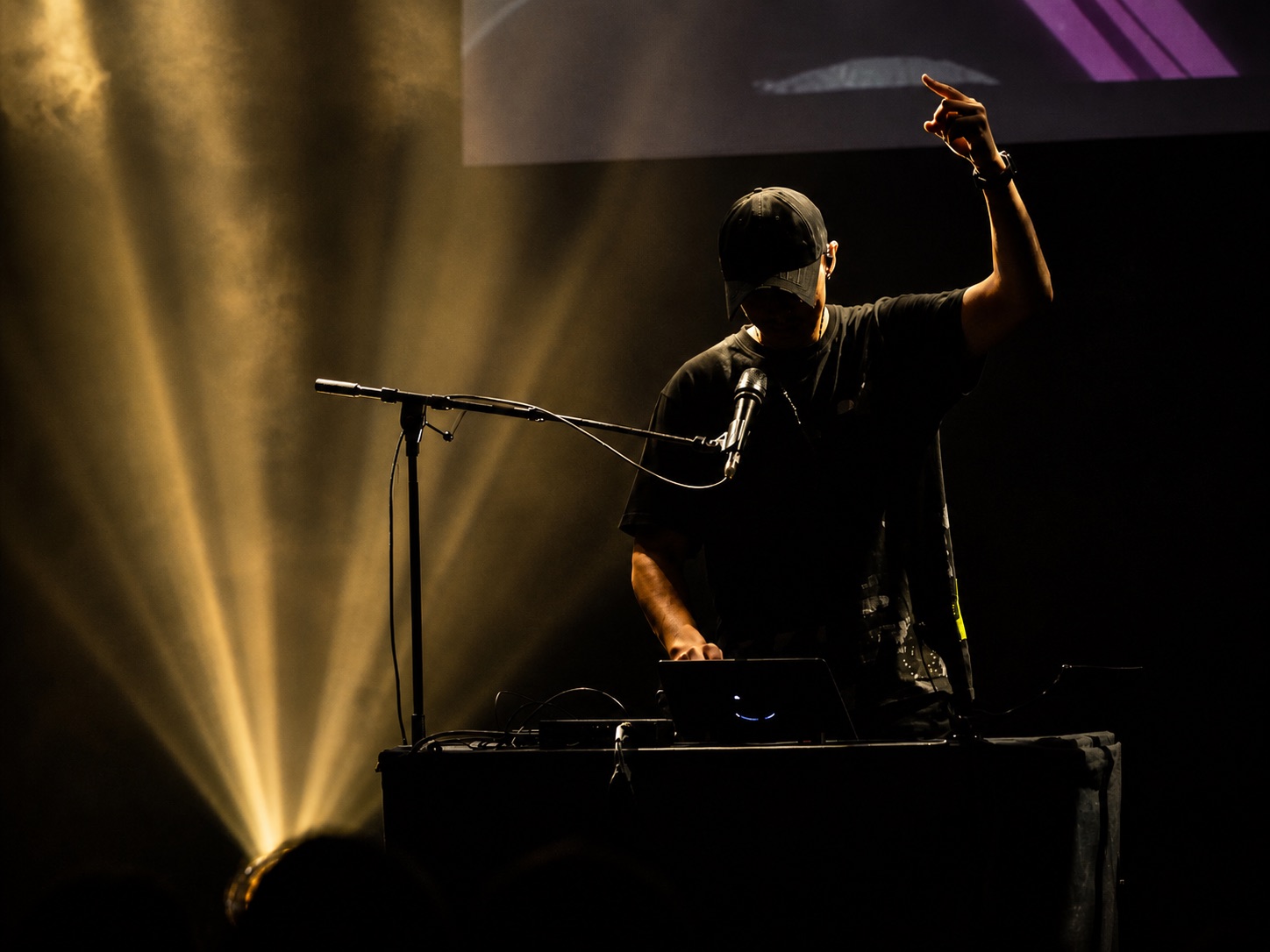
By 2019, Inkie was looking for the next step. When GBB rules allowed approved additional gear, he started experimenting with the Line 6 Helix, originally built for guitar. He took a microphone into a guitar shop, tested it in public for over an hour, and realized the sound could change what beatbox looping felt like on a large stage.
That performance helped make the Helix a common second device in the looping beatbox world. Later, his use of Launchpad and other controllers followed the same pattern: test, rebuild, relearn, and see what new performance language appears. Inkie describes this as reactive creativity: make something, listen to what happens, then respond.
Inkie was part of the Loopy Pro community before release, and after a year of using it he sold his RC-505 MKII and Helix. Carrying less gear mattered, but the bigger shift was how much of the performance system could live in one place.
For album shows, Inkie built a large Loopy Pro project containing songs split into stems and sections. Drums, tonal layers, bass, effects, and vocals are organized consistently across pages, so he can jump between songs, change BPM, trigger sections, manipulate effects, and mash up elements from different tracks live.
The setup also changed travel. What once involved heavy cases, Helix, loop station, cables, and checked luggage can now be handled with an iPad, audio interface, microphone, and in-ear monitors.
“I sold my MKII, I sold my Helix, and I just use iPads now.”
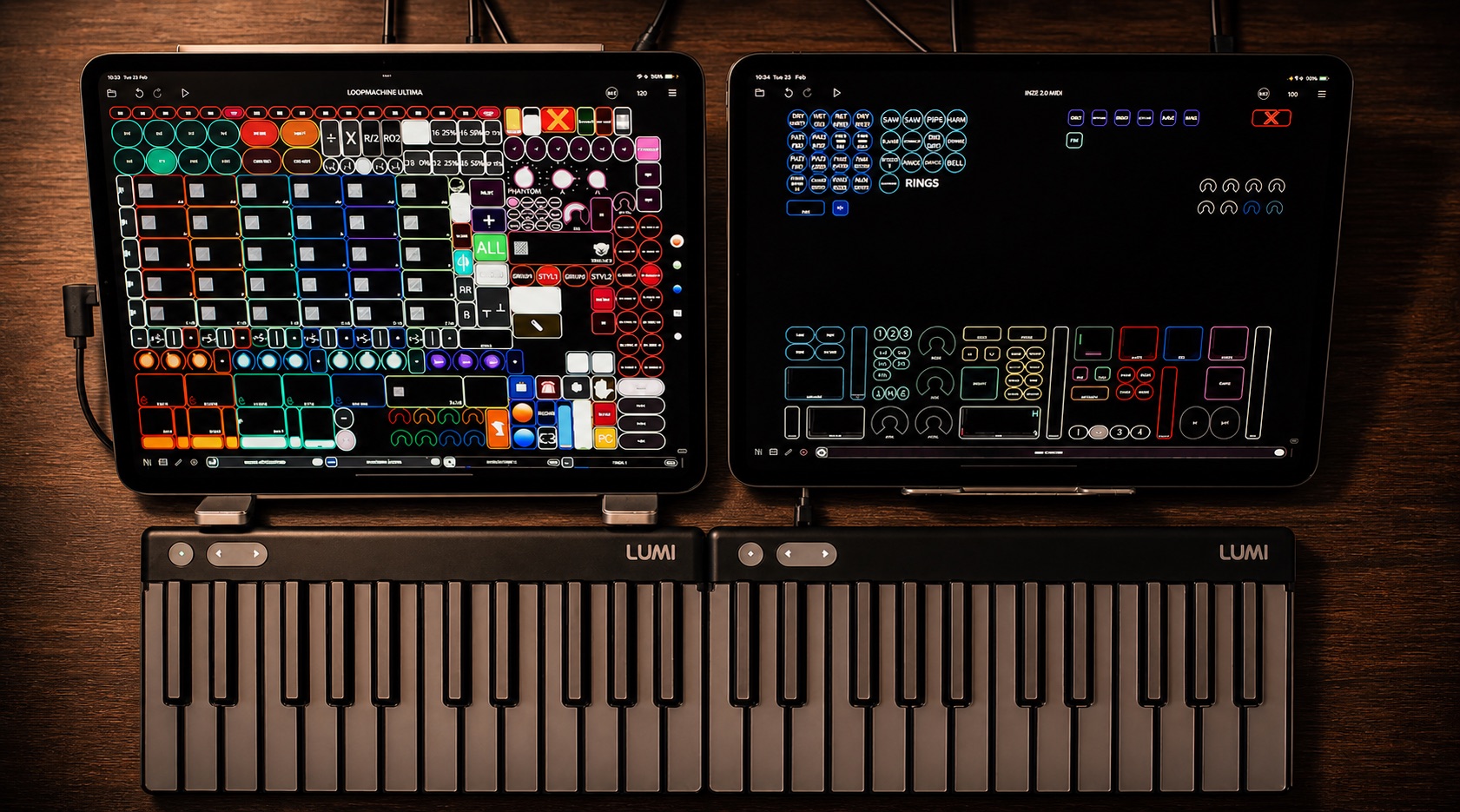
Inkie’s current focus is a freestyle template: a large Loopy Pro system that gathers years of compositional looping knowledge into a playable instrument. It uses two iPads, a drum pad controller, Lumi Keys, Koala, SampleWiz, Mela, custom gesture controls, and pages of performance-ready actions.
The core looping page is built around touch gestures. Swiping on a clip can overdub, undo, redo, solo, mute, select, or place retrospective recordings. Common looping decisions become physical and fast, using gestures that already feel natural on a mobile device.
Retrospective recording sits at the center of that workflow. Inkie can keep playing until a groove feels right, then capture the last good loop instantly. For freestyle performance, a mistake does not stop the moment. He can stay in the flow and grab the idea when it lands.
“Retrospective recording changed my looping completely.”
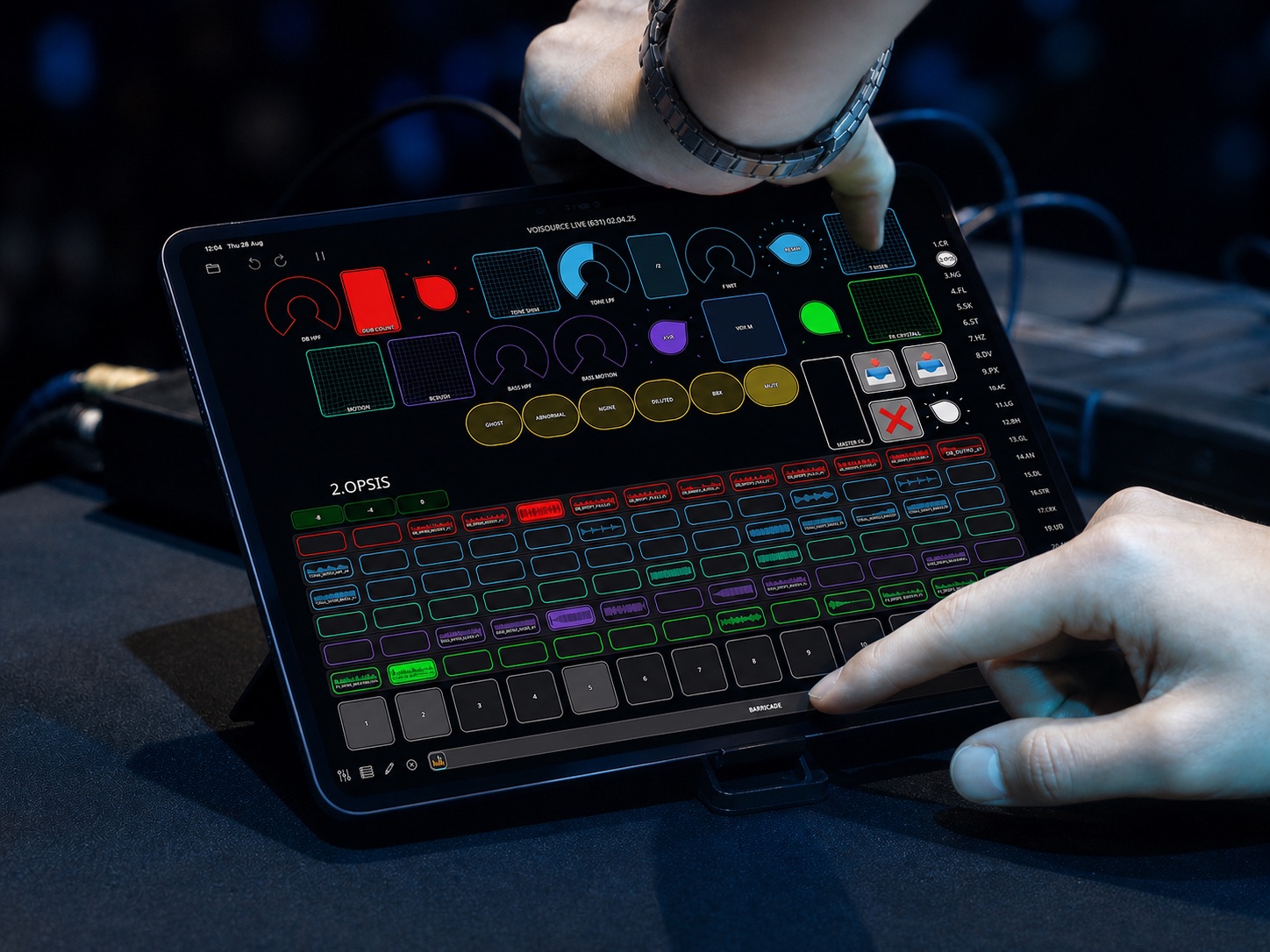
For Inkie, Loopy Pro is also a live sound-design environment. His templates expose the parameters he wants to reach quickly: filters, stutters, delays, distortion, saturation, reverb, pitch, groove, speed, octave, clip length, and saved effect states.
He uses Koala for organized drum sample palettes, SampleWiz to capture and replay his voice across a keyboard, and Mela as a flexible effects and synthesis environment with mappable macros. Loopy Pro’s widgets then become the performance surface: XY pads for filters, buttons for presets, sliders for pitch and volume, and gestures for quick access to plugin windows.
Some pages are designed for fast genre switching. For online freestyle videos, where strangers may skip after a few seconds, Inkie built quick-launch sections for styles like house, trap, dubstep, funk, and drum and bass. He can start a beat quickly, change the feel, sample a voice, and test ideas in front of a real reaction.
A setup this deep needs care. Inkie watches CPU closely, chooses plugins partly by efficiency, and uses an external cooler on his iPad after learning the hard way in a hot venue where thermal throttling pushed the system into trouble.
He is just as serious about backups. His workflow includes separate archives for projects, presets, samples, and templates, copied over Wi-Fi to local storage and kept as rolling versions. For a performer whose instrument is also a custom software environment, reliability is part of the creative process.
His advice to new loopers is simple: start directly in Loopy Pro, even with a basic setup. Begin with the default loops, learn the fundamentals, then go deeper into retrospective recording, grooves, half-time, double-speed ideas, effects, and custom controls. The point is to have room to grow when your ideas outgrow the first version of your setup.
“Loopy Pro is fulfilling my tinkering nature.”
The interview shows how Inkie turns Loopy Pro into a deep, portable performance system for beatbox looping, album sets, and freestyle sound design.
Builds songs as stems and sections in one Loopy Pro project, with consistent colors for drums, tonal parts, bass, and effects.
Uses swipes and touch gestures for overdub, undo, redo, solo, mute, selection, and retrospective capture.
Records vocal sounds into SampleWiz, plays them from Lumi Keys, and uses Loopy Pro for scale, presets, parameter states, and control feedback.
Manages CPU, uses cooling when needed, and keeps rolling backups of projects, presets, samples, and templates.